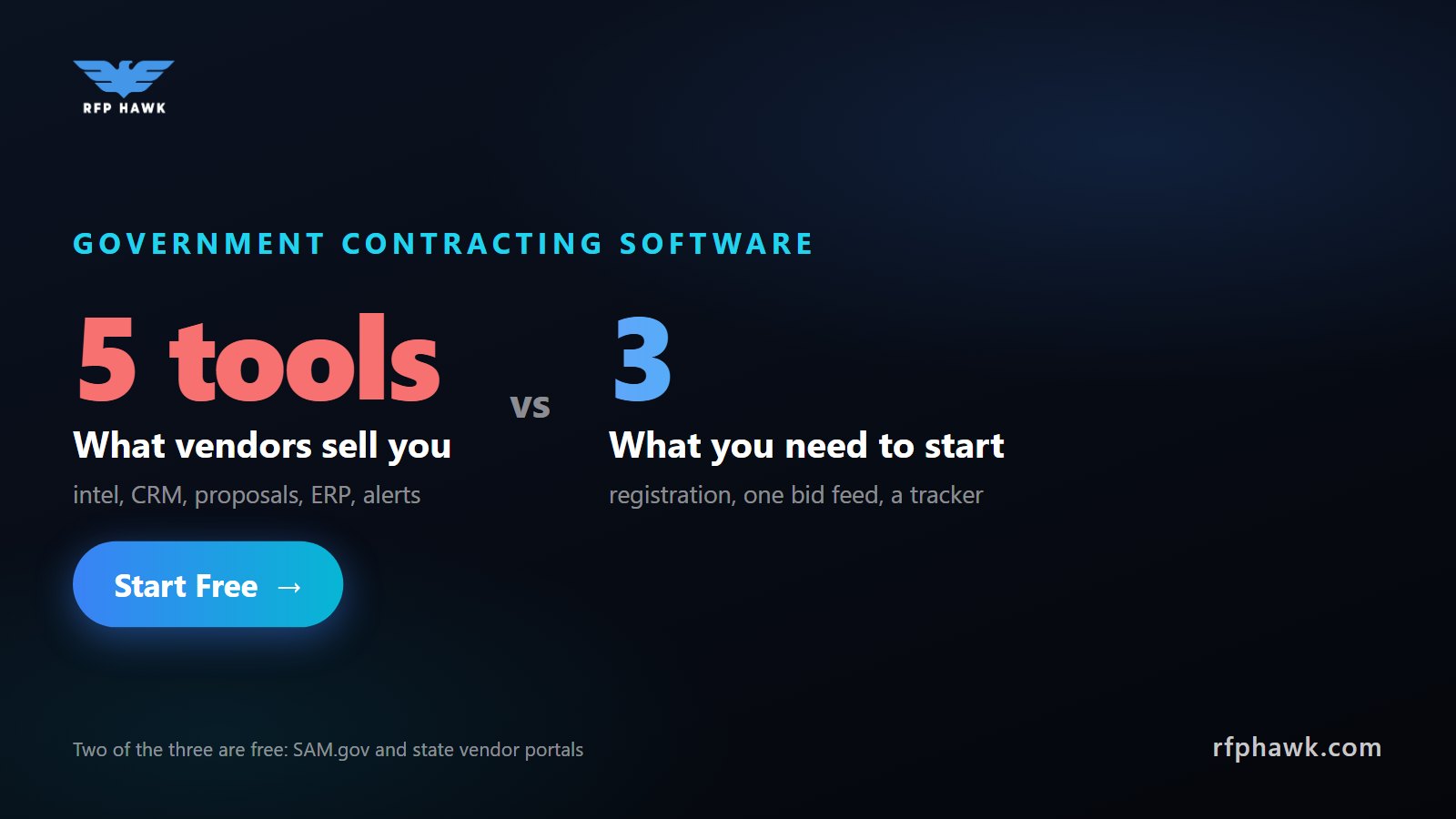
Government contracting software is not one product. It is a stack of five jobs: registering, finding bids, tracking them, writing proposals, and accounting for the money. Most small firms overbuy because vendors sell the whole stack at once. The honest answer is that a firm chasing its first contracts needs three things, two of them free: the government’s own registration systems, one bid discovery tool, and a tracker. Everything else can wait until the work justifies it. This guide walks each layer, what is free, what is worth paying for, and when.
What software does a government contractor actually need?
Think in stages, not products. Each layer below solves a problem you only have once you reach that stage:
| Layer | Job it does | Free option | When to pay |
|---|---|---|---|
| Registration | Makes you eligible to be paid | SAM.gov, state vendor portals | Never, registration is free |
| Discovery | Finds open bids that fit you | SAM.gov search, each state portal | When checking portals eats hours a week |
| Tracking | Keeps deadlines and decisions straight | A spreadsheet | When you have more than a handful of live bids |
| Proposal writing | Produces compliant responses | Word processor plus templates | When you bid often enough to reuse content |
| Accounting | Tracks costs the way contracts require | Standard small-business accounting | Before cost-reimbursement work |
The mistake is buying from the bottom of the table first. A proposal suite does nothing for a firm that has not found anything to bid on.
Which parts are free?
More than most vendors admit. The government publishes its opportunities and award data as public record, so the core information costs nothing:
- SAM.gov handles federal registration and lists federal opportunities, including sources-sought notices. It is required for federal awards and free to use.
- State procurement portals handle vendor registration and bid postings for each state. Most are free to register on, and registering on the right ones is the single cheapest move a small firm can make.
- USASpending.gov shows who won past federal contracts and for how much, which is the free way to research incumbents and pricing.
The catch is not cost, it is time. Each source has its own login, search, and quirks, and none of them know what your business does. That gap is what paid discovery tools sell.
What should you look for in a bid discovery tool?
Discovery is the layer where software earns its keep first, because it is the layer you repeat every week. The market splits into three tiers, and we compare the individual products in detail in our RFP database comparison. What matters when choosing:
- Coverage that matches where you sell. If you only sell to federal agencies, SAM.gov may be enough. Most small firms sell locally too, and state bids are a big share of the market. Of the 33,630 opportunities in our feed this morning, 17,222 came from state sources and 16,408 were federal.
- Filtering to your business. NAICS codes, location, and set-aside type should narrow the list for you. A tool that shows everything is just a slower portal.
- Alerts and a weekly rhythm. Bids have short windows. A daily or weekly digest beats remembering to search.
- Honest pricing. Enterprise intel platforms such as GovWin IQ and Bloomberg Government are commonly reported in the five figures per seat per year. They sell pre-solicitation research that a capture team can use. A two-person firm usually cannot, and cheaper alternatives cover the open-bid part.
When do you need a CRM or pipeline tracker?
Later than you think. Your first pipeline can be a spreadsheet with five columns: opportunity, agency, due date, bid or no-bid, and status. It becomes a problem when you have more than a handful of live bids, several people touching them, or deadlines slipping because nobody owns the list.
At that point you have two choices. A general-purpose CRM works if you already use one for commercial sales. A tracker built into your discovery tool avoids re-typing every opportunity by hand, because saving a bid is one click from the listing. Either is fine. What matters is that every live bid has an owner and a next date.
Do you need proposal software?
Not to start. Your first proposals will be written in a word processor, and that is normal. What saves more time than software is a habit: keep a folder of reusable content, including your capability statement, past performance write-ups, key staff bios, and the boilerplate answers you give on every bid.
Proposal management software makes sense once you bid often enough to have a real content library and more than one writer. Until then, a tight proposal process beats a tool.
When does accounting become a compliance question?
This is the one layer where the wrong choice can cost you a contract, so timing matters.
For firm-fixed-price contracts, where most small firms start, you get paid the agreed price and ordinary small-business accounting is usually fine. For cost-reimbursement contracts, the rules change. FAR 16.301-3 allows a cost-reimbursement contract only when “the contractor’s accounting system is adequate for determining costs applicable to the contract.” Agencies can check that before award with the SF 1408 pre-award survey of your accounting system.
In practice that means separating direct and indirect costs, tracking labor by contract, and keeping timekeeping records that hold up to review. Some firms configure general accounting software to do this. Others move to govcon-specific systems such as Deltek Costpoint or Unanet. Be wary of any product sold as “DCAA-approved” software: the survey looks at your system and how you use it, not just the brand you bought. Make this upgrade before you bid cost-type work, not after you win it.
What RFPHawk does, and what it doesn’t
We built RFPHawk for the discovery and tracking layers, because that is where small firms lose the most hours. It pulls SAM.gov, Grants.gov, and state portals into one feed you can filter by industry, state, and keyword, with deadlines front and center. Pro adds saved bids with pipeline tracking, notes, daily and weekly email digests, and a capability statement builder, for $20 a month.
To be upfront about the gaps, from our own data sources page:
- We don’t cover most county and city bids. Many municipalities run their own sites, and that coverage is too fragmented for us today. Register directly with the ones that matter to you.
- We don’t show subcontracting opportunities that primes share privately, or pre-solicitation intelligence from paywalled sources.
- We don’t write proposals or do accounting. You still need the proposal and accounting layers above.
- We are not the system of record. Every listing links to its source, and you should always confirm deadlines and documents there before you submit.
You can browse open bids without an account, and a free account needs no credit card.
Key takeaways
- Government contracting software is a five-layer stack. Buy it in the order you need it: registration, discovery, tracking, proposals, accounting.
- Registration and raw federal data are free. Paid discovery tools sell filtering, alerts, and coverage across portals.
- A spreadsheet is a fine first pipeline. Upgrade when bids start slipping.
- Accounting only becomes a compliance question for cost-reimbursement work. Plan for the SF 1408 survey before you bid it.
Frequently asked questions
What software do government contractors use?
Most use a stack of five layers: free registration systems like SAM.gov and state vendor portals, a bid discovery tool, a pipeline tracker or CRM, proposal writing tools, and an accounting system. Small firms usually need only the first three to start bidding.
Is there free government contracting software?
Yes. SAM.gov registration and search, state procurement portals, and USASpending.gov award data are all free. Free tiers of bid aggregators add a unified search on top. Paid tools mostly sell time savings: filtering, match scoring, alerts, and tracking.
What is the best government contracting database for a small business?
The one that covers the levels of government you actually sell to at a price your win rate can justify. SAM.gov covers federal for free. Aggregators add state portals and filtering for a monthly fee. Enterprise intel platforms add pre-solicitation research at a much higher price.
Do I need special accounting software to win government contracts?
Not for firm-fixed-price work, which is where most small firms start. For cost-reimbursement contracts, FAR 16.301-3 requires an accounting system adequate for determining contract costs, which agencies can check with the SF 1408 pre-award survey. Plan that upgrade before you bid cost-type work.
How much does government contracting software cost?
The range is wide. Registration and federal search are free. Bid discovery tools run from free tiers to tens of dollars a month. Enterprise market-intelligence platforms are commonly reported in the five figures per seat per year. Govcon-specific accounting systems are priced separately.
Recommended
- The Best RFP Databases for Small Businesses: the discovery layer, compared product by product
- Free Government Bid Sites: every free source worth checking
- Government RFP Alerts: how to set up alerts so bids come to you
Put RFPHawk to work on your pipeline.
Federal SAM.gov plus a growing list of state portals, refreshed daily and scored against your profile so you see the bids worth pursuing first.
Start free — no credit card